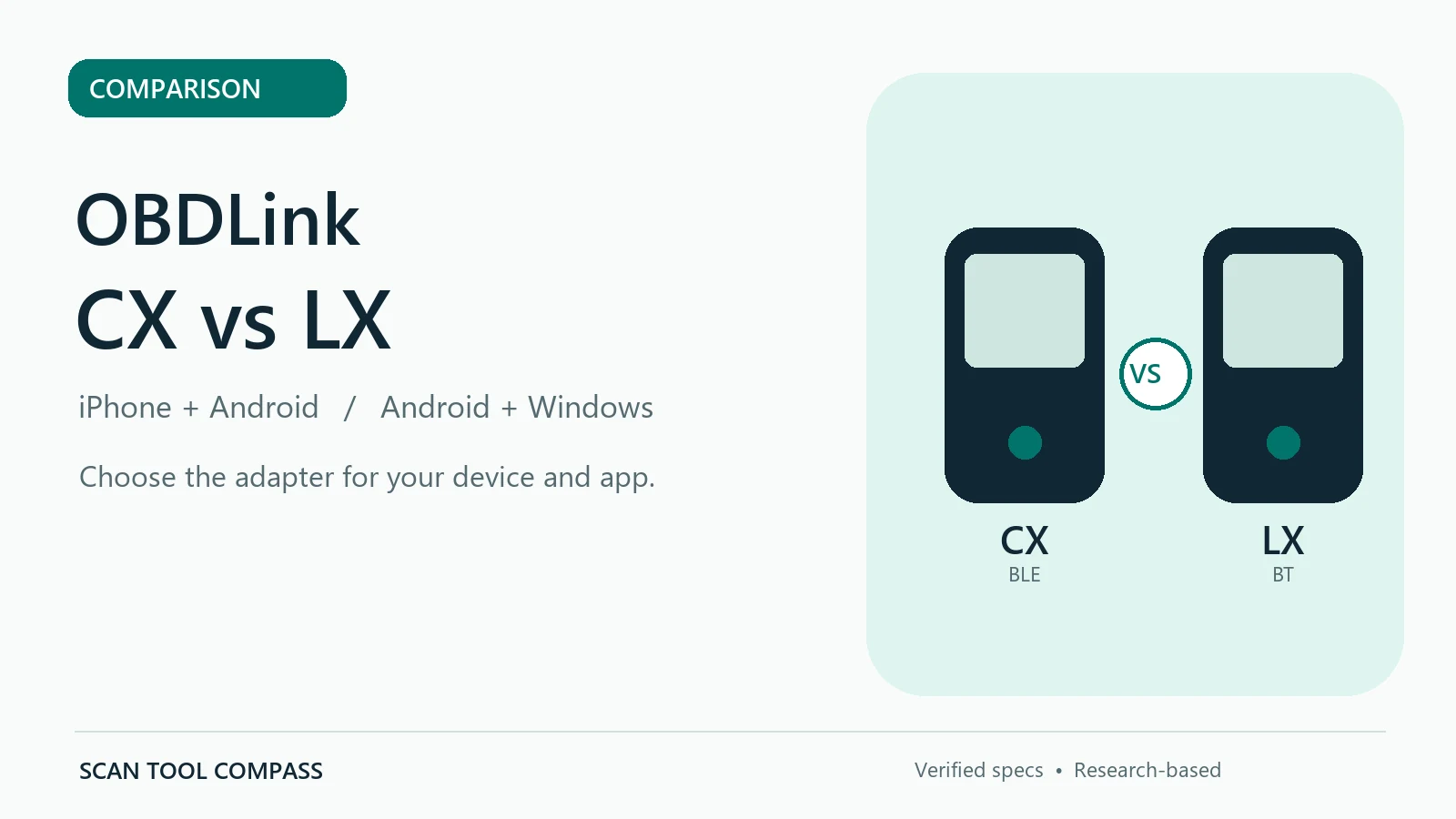
Research-based comparison: This article checks OBDLink’s published specifications for the CX and LX. We have not hands-on tested either adapter. App functions, vehicle compatibility, and third-party integrations can change, so confirm the current product and app documentation before buying.
Quick Answer: CX or LX?
The main difference is which phone or computer you want to use. OBDLink CX is the Bluetooth Low Energy adapter documented for iOS and Android, with an explicitly supported BimmerCode workflow on compatible vehicles and app versions. OBDLink LX is the classic Bluetooth adapter OBDLink documents for Android and Windows. LX is not its listed iPhone/iPad option. If your device is an iPhone, that platform distinction matters more than a small price difference; if your workflow is Android or Windows, LX remains a straightforward generic OBD-II choice.
Both adapters can help with standard emissions-related diagnostics on supported OBD-II vehicles. Neither should be described as a universal bidirectional scanner, a stand-alone BMW coding tool, or a guaranteed all-system ABS/SRS diagnostic platform. Those enhanced functions depend on the specific app, adapter, vehicle, and supported networks.
Affiliate disclosure: As an Amazon Associate I earn from qualifying purchases.
OBDLink CX vs LX: Feature Comparison
| Buyer question | OBDLink CX | OBDLink LX |
|---|---|---|
| Documented wireless connection | Bluetooth 5.1 Low Energy (BLE) | Bluetooth adapter for Android/Windows |
| Supported device platforms in OBDLink documentation | iOS and Android | Android and Windows; not the documented iOS model |
| Standard check-engine diagnostics | Supported through an appropriate app on compatible vehicles | Read/clear Check Engine Light and real-time OBD-II monitoring |
| BimmerCode positioning | OBDLink expressly positions CX for BimmerCode, subject to the app and vehicle | No equivalent BimmerCode assurance in the cited LX evidence |
| Firmware updates | OBDLink states lifetime firmware upgrades | OBDLink states free firmware updates |
| Guaranteed all-system / bidirectional control? | No universal claim supported by the verified evidence | No universal claim supported by the verified evidence |
| Ford MS-CAN / GM SW-CAN proprietary access | Do not assume enhanced coverage without a verified app and vehicle match | OBDLink directs users toward higher models for those proprietary networks |
Choose CX When iPhone or a Supported BimmerCode Workflow Matters
For an iPhone user, CX has an explicit advantage: OBDLink documents iOS support, while LX is presented as an Android/Windows adapter. CX’s Bluetooth 5.1 BLE connection also makes it a more relevant starting point when the iOS diagnostic app you intend to use calls for a compatible BLE adapter. That is not a promise that every iOS diagnostic or coding app supports CX: check the particular app’s compatibility list.
BMW owners should read OBDLink’s BimmerCode claim narrowly. CX is marketed for BimmerCode, but whether a coding option appears depends on the vehicle, module, app version, and feature list. The CX adapter alone does not turn every BMW function into an available coding feature, and ordinary OBD-II emissions scanning is not the same thing as manufacturer-specific programming.
If you primarily want to view live parameters, read standard trouble codes, and clear the Check Engine Light from a phone, CX also supports those general OBD-II tasks through compatible software. Read our OBDLink CX review for the verified feature scope and app-dependent limitations.
Choose LX When Android or Windows Is Your Established Setup
LX is the more directly documented fit for a user who already has an Android device or a Windows laptop and needs ordinary OBD-II diagnostics. OBDLink lists read/clear Check Engine functionality, real-time monitoring, and support for legislated OBD-II protocols. It also supplies Android and Windows software options, so check which application suits your preferred screen and workflow before buying the hardware.
The trade-off is important: OBDLink does not position LX as its iOS adapter. It also points users to higher OBDLink models for proprietary Ford MS-CAN and GM SW-CAN network access. Do not infer that LX can automatically access every ABS, airbag, body, or service module just because an app offers enhanced diagnostic features on a different adapter.
Our OBDLink LX review explains its standard OBD-II use case and the relevant network limitations in greater detail.
Are CX and LX Interchangeable for Apps?
No. The fact that both products use Bluetooth does not make them interchangeable. CX uses BLE and lists iOS/Android support; LX is documented for Android/Windows. Some apps require a particular Bluetooth type or validated adapter model, and advanced app functions can have a separate vehicle compatibility list. Verify your phone operating system, app version, exact adapter model, and car before treating any app badge or marketplace screenshot as a guarantee.
If you want one OBDLink adapter across iOS, Android, and Windows, or you specifically need documented Ford MS-CAN or GM SW-CAN access, compare the separately verified OBDLink MX+ review rather than assuming CX or LX provides all those extras. MX+ enhanced coverage is still app- and vehicle-dependent.
What to Check Before Ordering
- Your primary device: iPhone/iPad, Android, or Windows. Confirm supported operating-system versions on the current official adapter and app pages.
- Your real diagnostic task: standard check-engine codes and live data versus vehicle-specific module diagnostics or coding.
- Your car and software: confirm model-year, module, app version, and supported features if you need anything beyond generic OBD-II.
- Listing identity: compare the exact CX or LX product model and seller details, not just an image of a similar-looking OBDLink adapter.
Read More Before Choosing
For an overview of the other OBDLink models and which operating systems and diagnostic networks each targets, see our OBDLink adapter guide. For the broader question of choosing wireless versus wired hardware, read Bluetooth vs wired OBD2 scanners.
Check the Current Amazon Listings
Availability and prices change; the official app and vehicle compatibility information should matter more than a temporary price difference.
- Check OBDLink CX availability and price on Amazon →
- Check OBDLink LX availability and price on Amazon →
Methodology & Sources
We compared the model-specific specifications and support material published by OBDLink for CX and LX, including their official product pages, support documentation, platform statements, and the CX adapter notes. We use the product-specific manufacturer evidence to distinguish documented capabilities from app-dependent possibilities. Manufacturer sources are retained as research evidence rather than clickable outbound destinations; Amazon links are provided only for current listing verification. This is a research-based comparison, not a hands-on test.